
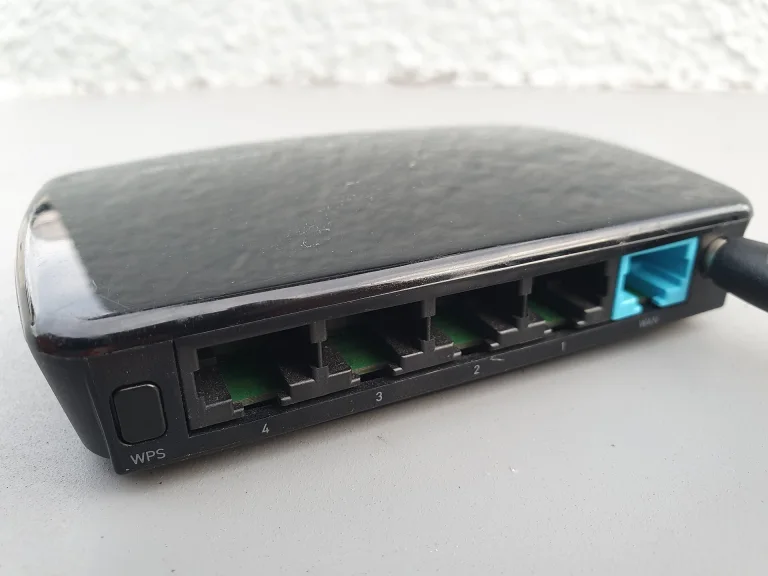
WiFi 6 explained: should you upgrade?
WiFi 6 is built for crowded networks, not just raw speed. Here is what it changes and how to tell whether an upgrade makes sense for your home or office.
Dome or bullet, 2MP or 5MP, DVR or NVR, and how much storage you need — a plain-language guide before you spend a rupee.
2 minute read
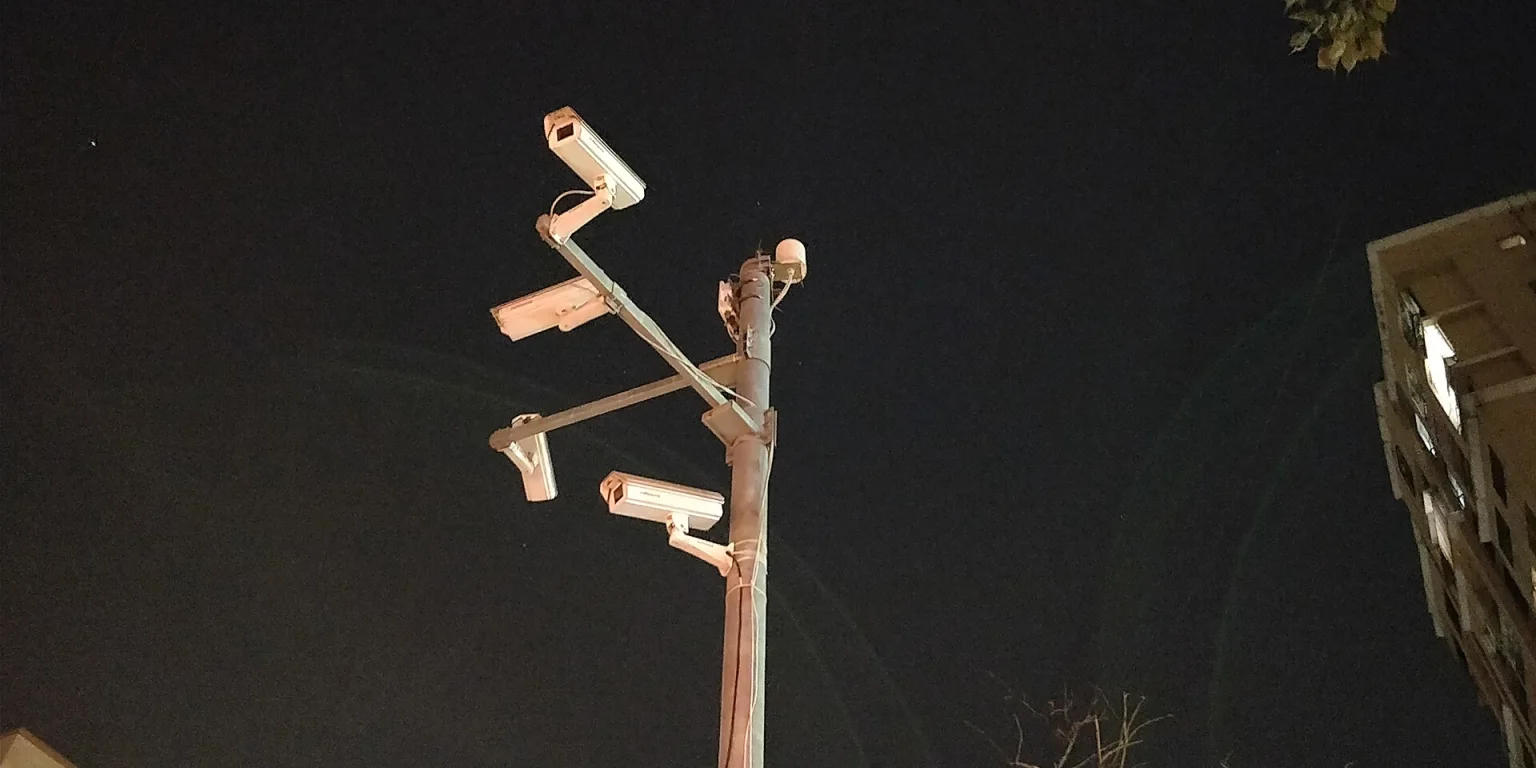
A good CCTV system protects stock, staff and customers — and gives you clear answers when something goes wrong. A badly planned one gives you hours of unusable, blurry footage. These are the decisions that matter most.
Walk your premises and list the spots that matter: entrance, cash counter, storeroom, back door and parking. For each one, decide whether you need to simply see activity or identify faces and number plates. Identification needs a closer, higher-resolution view.
Type | Best for | Notes |
|---|---|---|
Dome | Indoors, ceilings, entrances | Discreet and harder to tamper with; hard to tell where it is pointing |
Bullet | Outdoors, long distances | Visible deterrent, easy to aim; make sure it is weather-rated |
2MP (1080p) is enough for many shops when cameras are well positioned. 4MP–5MP helps when you need detail over a wider area, such as a yard or parking space. Higher resolution also means bigger files and more storage, so match resolution to the job instead of defaulting to the maximum.
DVR (analogue/HD cameras): coax cable, cost-effective, good for upgrading older installations.
NVR (IP cameras): network cable, higher image quality and flexibility, and PoE can power the camera over the same cable.
Storage depends on bitrate and how long you keep recordings. Continuous recording at a constant bitrate works out roughly as follows:
Camera bitrate | Per camera per day | Per camera for 30 days |
|---|---|---|
2 Mbps | ≈ 22 GB | ≈ 650 GB |
4 Mbps | ≈ 43 GB | ≈ 1.3 TB |
8 Mbps | ≈ 86 GB | ≈ 2.6 TB |
Multiply by the number of cameras. Motion-based recording and H.265 compression can cut this considerably. Use a surveillance-rated hard drive designed for continuous writing.
Night vision range and, where light is poor, check low-light performance.
A UPS or backup power so recording survives a power cut.
Secure remote viewing: change default passwords and keep firmware updated.
Place cameras out of easy reach and avoid pointing straight into bright light.
Get the next one in your inbox — join 0 readers.
WiFi 6 is built for crowded networks, not just raw speed. Here is what it changes and how to tell whether an upgrade makes sense for your home or office.
Structured cabling, the right switch and router, a separate guest network and a simple backup plan — the foundations of an office network that just works.
Processor, memory, storage, screen, battery and warranty: what to prioritise for office work, design and development — and what to ignore.

Comments
No comments yet — start the conversation.