

Setting up a reliable network for a small office
Structured cabling, the right switch and router, a separate guest network and a simple backup plan — the foundations of an office network that just works.
WiFi 6 is built for crowded networks, not just raw speed. Here is what it changes and how to tell whether an upgrade makes sense for your home or office.
2 minute read
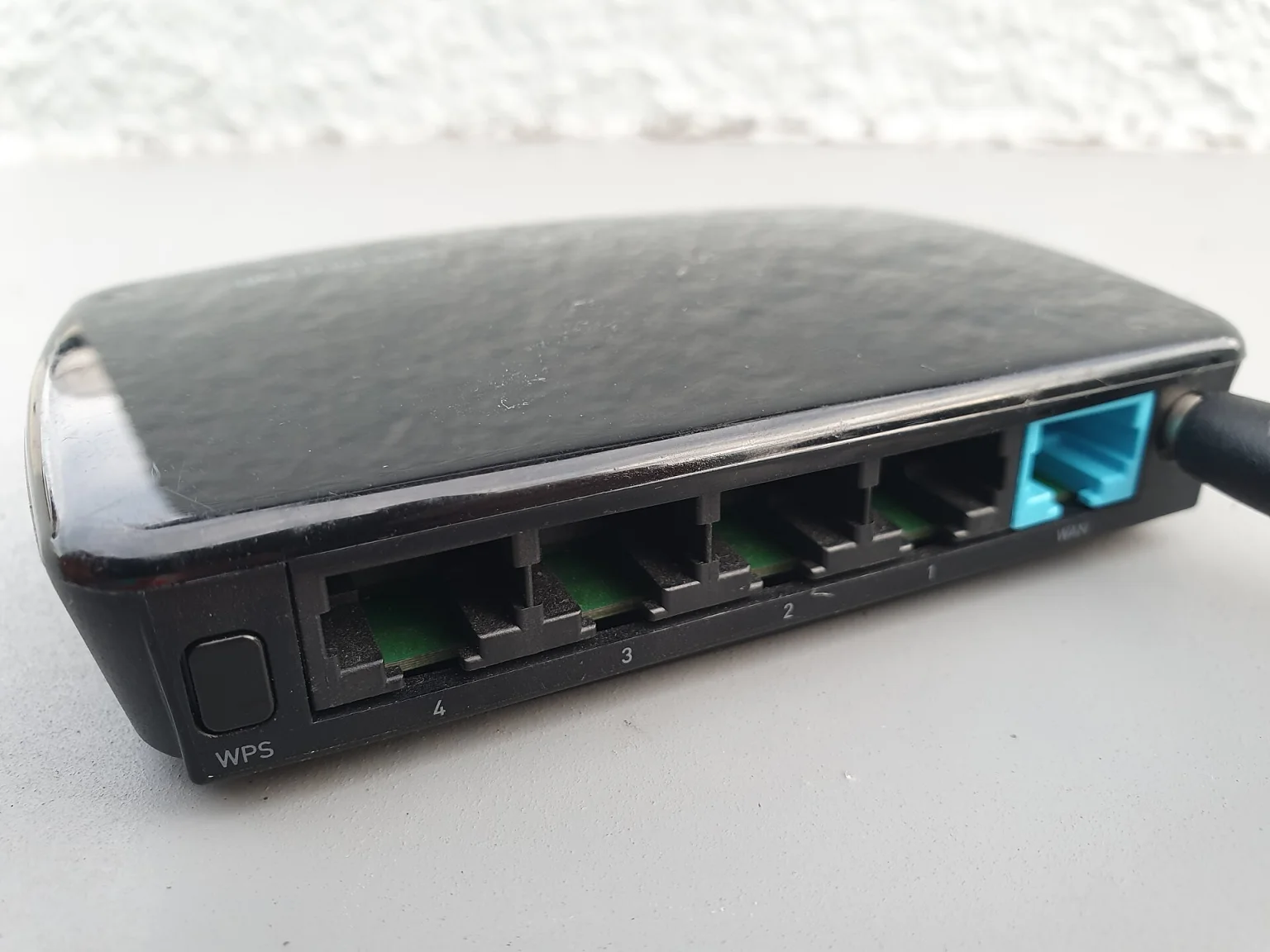
WiFi 6 (also called 802.11ax) is the current mainstream wireless standard. The headline speeds on the box get the attention, but the real improvement is how well it copes when many devices share the same network.
Better with crowds: OFDMA lets a router serve several devices in the same transmission instead of making them queue.
More efficient MU-MIMO: improved handling of multiple devices at once.
Battery savings: Target Wake Time lets compatible phones and IoT devices sleep between transmissions.
Modern security: WPA3 support is part of WiFi 6 certification.
Not beyond the speed of your internet plan. If your connection delivers 50 Mbps, a new router will not turn it into 500. What WiFi 6 can do is deliver that speed more consistently when many phones, laptops, TVs and cameras are connected at once.
Your situation | Recommendation |
|---|---|
Few devices, router under 5 years old, no complaints | Probably wait |
10+ devices, video calls dropping, smart home or CCTV on WiFi | Worth upgrading |
Office or shop with customers and staff on the same network | Upgrade, ideally with a separate guest network |
Most of your devices are older (WiFi 4 or 5) | Benefits are limited until you replace devices |
Put the router in a central, elevated spot, not inside a cabinet or behind a TV.
Keep it away from thick walls, metal and microwave ovens.
For larger buildings, use wired access points or a mesh system instead of one powerful router.
Wire fixed devices (desktops, TVs, CCTV recorders) with Ethernet whenever possible.
Get the next one in your inbox — join 0 readers.
Structured cabling, the right switch and router, a separate guest network and a simple backup plan — the foundations of an office network that just works.
Dome or bullet, 2MP or 5MP, DVR or NVR, and how much storage you need — a plain-language guide before you spend a rupee.
Processor, memory, storage, screen, battery and warranty: what to prioritise for office work, design and development — and what to ignore.


Comments
No comments yet — start the conversation.