
WiFi 6 explained: should you upgrade?
WiFi 6 is built for crowded networks, not just raw speed. Here is what it changes and how to tell whether an upgrade makes sense for your home or office.
Structured cabling, the right switch and router, a separate guest network and a simple backup plan — the foundations of an office network that just works.
2 minute read
Most office IT complaints — "the internet is slow", "I cannot print", "the shared folder disappeared" — trace back to a rushed network. A little planning at the start saves a lot of frustration later.
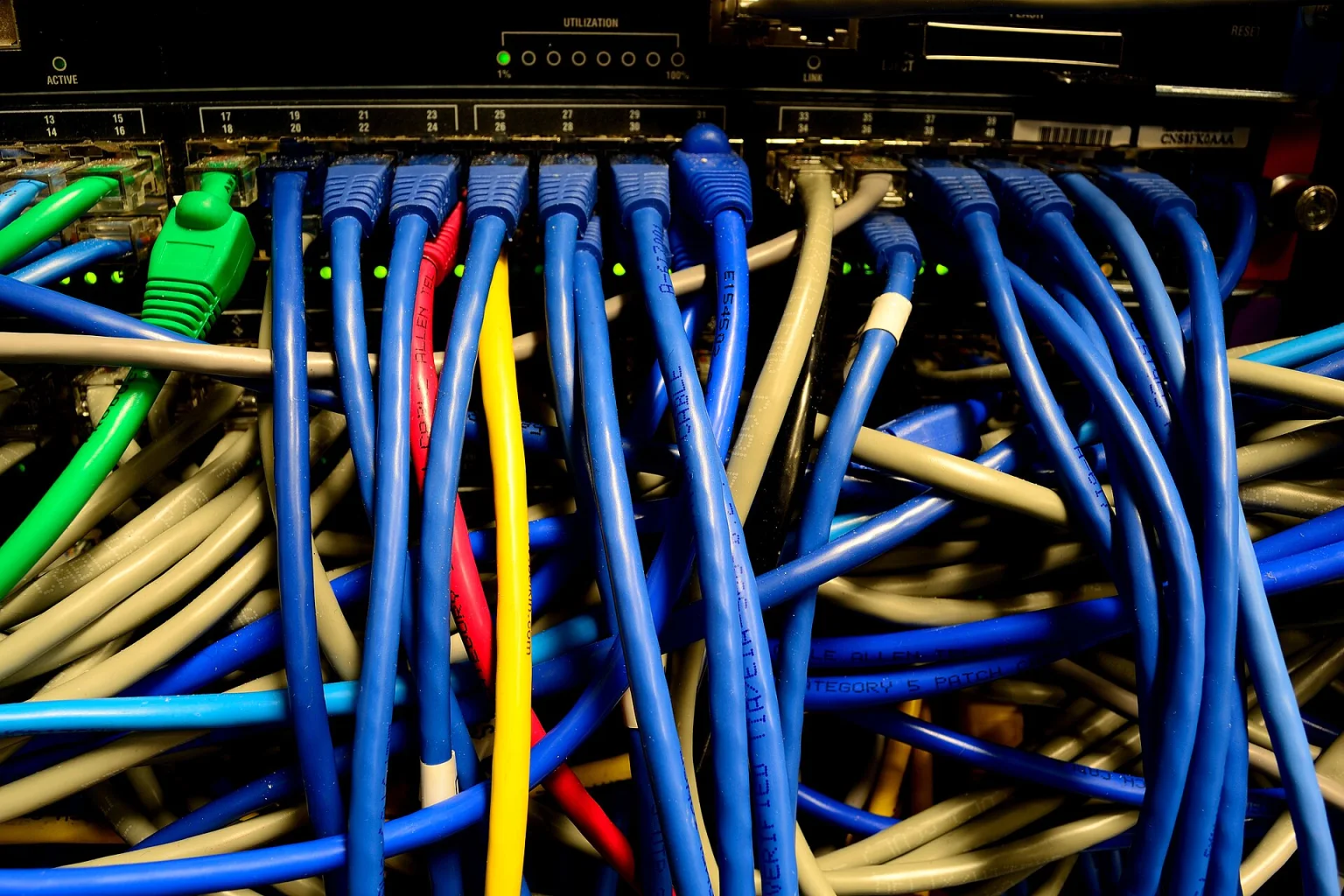
Wired connections are faster, more stable and more secure than WiFi. Run Cat6 cable to desks, printers, access points and any CCTV or IP phones, keeping each run within the 100 metre limit for Ethernet. Label both ends of every cable, and terminate them in a neat patch panel or tidy rack — you will thank yourself later.
Router/firewall: handles your internet connection and protects the network. Consider one that supports a second internet line for failover.
Switch: connects wired devices. Pick enough ports for today plus about 30% growth, and PoE ports if you will power cameras or access points.
Access points: for WiFi coverage, ceiling-mounted access points usually beat a single router in a corner.
UPS: keeps the router, switch and server alive through short power cuts and gives you time to shut down cleanly.
Put guests on their own WiFi network that cannot see your computers, printers or files. If you have CCTV or other IoT devices, give them their own segment as well. This single step prevents many security problems.
Change every default admin password and use unique passwords.
Use WPA2 or WPA3 for WiFi and turn off WPS.
Keep router and access point firmware updated.
Disable remote administration unless you genuinely need it.
Follow the 3-2-1 idea: three copies of important data, on two different types of storage, with one copy off-site or in the cloud. A backup you have never restored is only a hope — test it periodically.
Get the next one in your inbox — join 0 readers.
WiFi 6 is built for crowded networks, not just raw speed. Here is what it changes and how to tell whether an upgrade makes sense for your home or office.
Dome or bullet, 2MP or 5MP, DVR or NVR, and how much storage you need — a plain-language guide before you spend a rupee.
Processor, memory, storage, screen, battery and warranty: what to prioritise for office work, design and development — and what to ignore.


Comments
No comments yet — start the conversation.